
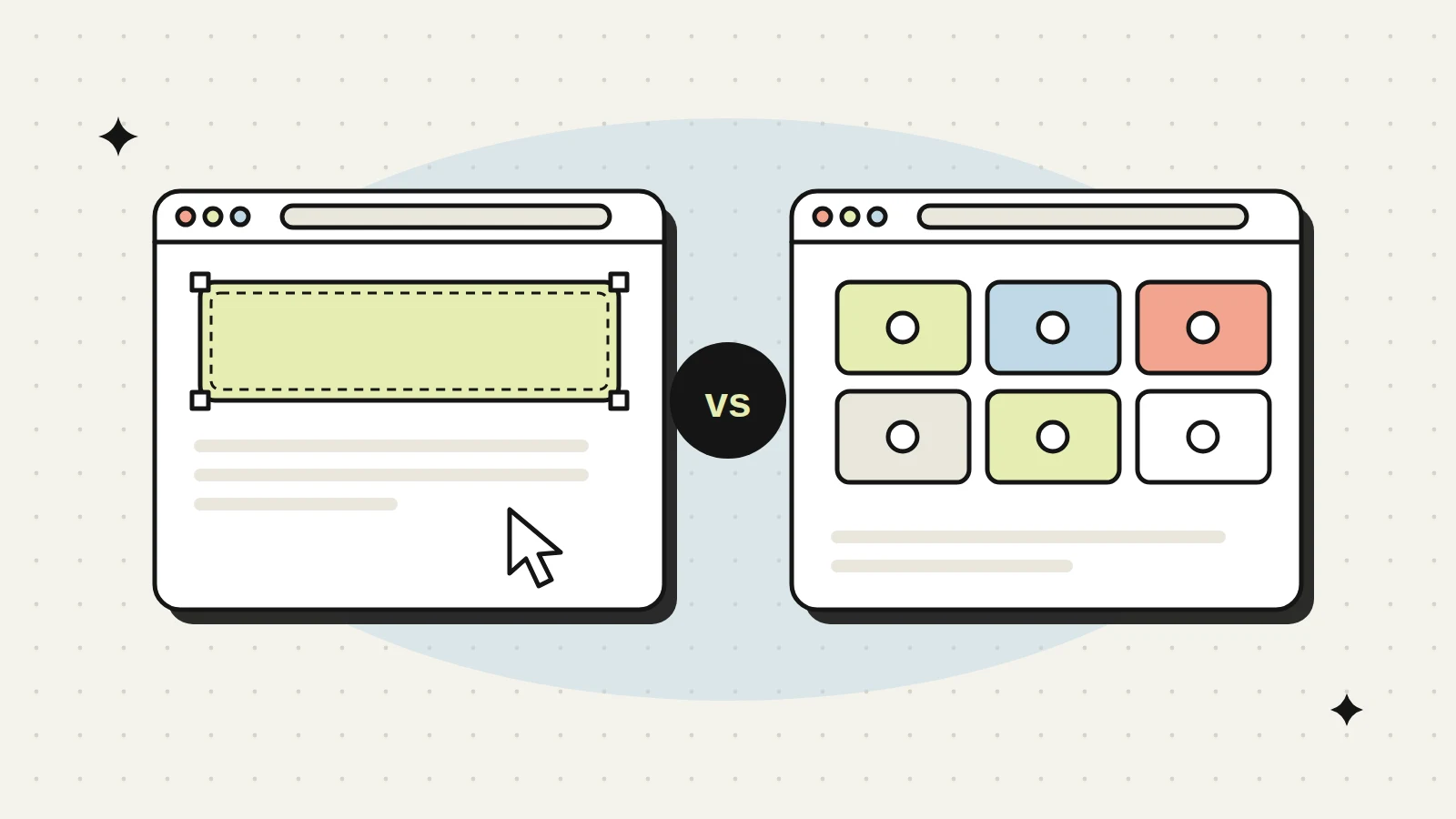
If you are planning a new B2B website, someone has probably asked you “Webflow or WordPress?” and you may have heard strong opinions on both sides. Designers often love Webflow. Developers and SEO people often defend WordPress. Both camps are partly right.
We build on both platforms, so we have no reason to push one. This guide compares them the way a B2B marketing team actually uses a website: editing pages, keeping the site fast and safe, adding features, paying for hosting, ranking in search and finding people to maintain it. At the end, you will know which one fits your situation.
- Pick Webflow if you want a fast, design-led marketing site that your team can edit visually, with hosting, security and updates handled for you.
- Pick WordPress if you need lots of integrations, complex features, a very large content library, multiple languages on a budget, or full control over hosting and code.
- Both can rank well in Google and AI search. SEO depends far more on structure and content than on the platform.
- Webflow costs are mostly predictable subscriptions. WordPress costs are spread across hosting, premium plugins and ongoing maintenance.
- In our experience hiring in India, WordPress developers are easier to find. Good Webflow developers are fewer but growing.
The basic difference in one minute
Webflow is a hosted platform. You design, build, manage content and host the site in one place. You pay Webflow a subscription and they look after servers, security patches and platform updates. Your live site normally runs on Webflow’s hosting. Paid Workspace plans can export the code, but the export leaves out CMS content, form handling, site search and ecommerce, so it is a static copy rather than a full move (Webflow’s code export guide).
WordPress (the self-hosted version from wordpress.org) is open-source software. You install it on hosting you choose, add a theme, and extend it with plugins. You have full control, and you also carry the job of keeping it updated and secure.
A simple way to think about it: Webflow is like leasing a well-maintained office with security and cleaning included. WordPress is like owning your building. More freedom, more responsibility.
Head-to-head comparison
| Webflow | WordPress | |
|---|---|---|
| Editing for marketers | Visual, edit on the page, clean and limited by design | Block editor or page builder, flexible, can get messy |
| Design freedom | Very high, close to custom code | High with custom themes, lower with ready-made themes |
| Speed out of the box | Good, hosting and CDN included | Depends on hosting, theme and plugins |
| Security upkeep | Mostly handled by the platform | Your job: core, theme and plugin updates |
| Plugins and integrations | Smaller app marketplace, many integrations via embeds or tools like Zapier | Huge plugin library for almost anything |
| Hosting cost model | Per-site plan plus workspace seats, billed yearly or monthly | Pay for hosting you choose, plus premium plugins and maintenance |
| Large content sites | CMS item limits apply by plan | No platform limit, depends on hosting |
| Multilingual | Built-in localization as a paid add-on | Plugins available, many options |
| Hiring in India | Fewer specialists, more designers learning it | Large talent pool at every level |
| Lock-in | Higher. CMS, forms and hosting stay on Webflow; code export gives a static copy only | Lower, you can move hosts any time |
No row here is a knockout. The right choice depends on which rows matter most to your team.
Editing: what your marketing team will feel every day
This is the part people underestimate. After launch, your team will touch the website far more than the developer will.
In Webflow, content editors work on the live design. They can change text, swap images and publish blog posts or case studies through the CMS. The developer decides which parts can be edited, so it is hard for someone to break the layout by mistake. The downside: if marketing wants a brand new page layout, they often need the developer, unless the site was built with reusable components that they can mix and match.
One change to know for 2026: Webflow retired its legacy Editor on August 4, 2026 (Webflow’s announcement). Content editing now runs through seats, roles and permissions on a Workspace plan, and agencies can give clients client seats. Before you budget, list everyone who will edit the site and check which seat type each person needs on your plan.
In WordPress, the block editor is flexible and most marketers have used it before. With a well-built custom theme and a set of ready blocks, your team can create new landing pages on their own. With a heavy page builder and no rules, pages slowly drift off-brand and get slower.
Before you approve the build, ask your developer to show your marketing person how to create a new case study and a new landing page. If they struggle in the demo, they will struggle after launch.
Speed, security and maintenance
Speed. Webflow sites are served through a global content delivery network by default, and the code is fairly clean. You can still make a Webflow site slow with huge images, heavy animations and too many third-party scripts. WordPress can be just as fast, but it depends on good hosting, caching, a lean theme and careful plugin choices. A cheap shared host with fifteen plugins will not be fast.
Security. With Webflow, server security and platform updates are not your problem. Your main tasks are strong passwords, two-factor login and careful handling of form data. With WordPress, most security issues come from outdated or poorly written plugins and themes. That is manageable with regular updates, backups, a security plugin or firewall, and good hosting. But someone has to own it, every month.
Maintenance. A WordPress site needs a maintenance plan: updates, backups, uptime checks and fixing things when an update breaks something. A Webflow site needs much less technical upkeep, so your budget goes to content and improvements instead.
If a WordPress quote has no line for ongoing updates, backups and security, ask who will do it. In our experience, an unmaintained WordPress site is one of the easiest ways for a B2B site to get hacked.
Share your feature list and team setup. We will recommend a platform, with reasons.
Plugins, integrations and complex features
This is where WordPress usually wins. If you need a customer portal, a product catalog with filters and thousands of SKUs, a job board, a members area, a complex calculator or deep ties into an ERP, WordPress has plugins or a developer can build it with full access to the code and database.
Webflow handles the common B2B marketing needs well: forms, CRM connections like HubSpot, analytics, chat widgets, booking tools, gated content through third-party tools. For more complex logic, teams use embeds, the Webflow API, or connect tools through automation services. It works, but it is more of a workaround than a native feature.
A quick test: list every feature your site needs beyond pages, blog and forms. If that list is short, Webflow is comfortable. If it is long and includes logged-in users or large product data, WordPress is usually the safer bet. Industrial and manufacturing companies with big product ranges often fall in this second group, which is why many industrial websites we see run on WordPress.
Hosting and total cost over three years
Comparing only the first-year bill gives you the wrong answer. Look at three years.
Webflow uses a site plan for each website (the tier depends on how many CMS items, form submissions and bandwidth you need) and workspace plans for the people who build and edit. Add-ons such as localization cost extra. The upside is predictability: you know the yearly bill. Check Webflow’s current pricing page before you budget, as plan names and limits change from time to time.
WordPress software is free, but a business site is not. You will pay for:
- Hosting, from basic shared plans to managed WordPress hosting (worth it for a business site)
- Premium plugins and themes, many of them yearly licenses
- A maintenance plan or developer time for updates, backups and fixes
- Occasional repair work when an update conflicts with something
For a typical 20 to 40 page B2B site, the three-year totals often end up closer than people expect. Webflow tends to cost more in subscriptions and less in maintenance. WordPress tends to cost less in subscriptions and more in people time.
Use this worksheet with your own quotes. Fill each cell with the yearly figure from a real quote, then add three years together. We have left it blank on purpose: prices change, and a made-up average would mislead you.
| Cost line | Webflow (per year) | WordPress (per year) |
|---|---|---|
| Site plan or hosting | ______ | ______ |
| Seats for people who build or edit | ______ | Usually none |
| Premium plugins, themes or apps | ______ | ______ |
| Localization or multilingual | ______ | ______ |
| Updates, backups and security | Mostly included | ______ |
| Developer time for changes (hours x rate) | ______ | ______ |
| Your team’s time (hours x internal cost) | ______ | ______ |
| Three-year total | ______ | ______ |
SEO and AI search: does the platform matter?
Less than people argue about online. Both platforms let you control page titles, meta descriptions, URLs, headings, alt text, canonical tags, redirects, sitemaps and schema markup. Both can produce fast, crawlable pages.
The differences are small and practical:
- WordPress SEO plugins add helpful checklists and automation, which suits teams that publish a lot.
- Webflow gives you clean code and fast hosting by default, so technical basics are easier to get right.
- Schema in Webflow is usually added through custom code fields per page or CMS template. In WordPress, plugins can generate a lot of it for you.
- For very large sites with thousands of pages, WordPress gives more control over how things scale.
What really decides rankings, and whether AI tools like ChatGPT or Google’s AI answers quote you, is the content and structure: one clear page per service and industry, direct answers to buyer questions, real expertise and good internal linking. That is the same on both platforms. Our SEO and lead generation team works across both for this reason.
On AI answers specifically, Google says there are no extra requirements or special schema needed to appear in its AI Overviews or AI Mode (Google’s guidance on AI features). Other AI tools do not publish their rules in the same way, so be careful with any platform-specific promise.
Hiring developers in India and abroad
If you plan to bring website work in-house later, think about who you can hire.
WordPress has a very large talent pool in India, from freshers to senior developers. That is good for availability and cost, but quality varies a lot. Many people can install a theme. Fewer can build a clean, fast, secure custom theme. Test for that specifically.
Webflow specialists are fewer, though the number is growing, and many come from a design background. Since Webflow handles hosting and security, you need less deep backend skill to run it, which makes it easier for a marketing designer to manage the site day to day.
For US and global companies working with an Indian partner, both platforms work well remotely. The bigger question is whether your partner documents the build so that anyone can take over later.
When to pick each one
Choose Webflow when:
- Your site is mainly a marketing site: services, solutions, industries, case studies, blog, careers.
- Design quality and brand feel matter a lot, for example a B2B SaaS, deep tech or financial services brand.
- You do not want to manage updates, plugins or servers.
- Your marketing team wants to publish content without calling a developer.
Choose WordPress when:
- You need complex features, logged-in areas or deep system integrations.
- You have a very large catalog or content library.
- You want to own the code and hosting fully, or have strict data location rules.
- You already have a WordPress team or a reliable maintenance partner.
We have built live sites for clients like JER HR Group, CompBldr, SecMark and Cornext, and you can see them on our work page. The platform was chosen for each based on their team and goals, not our preference. If you are about to brief agencies, our website RFP template has a platform section you can reuse. If you want help making that call for your own website project, talk to us and we will give you a straight answer.
Frequently asked questions
Straight answers about working with us.
Is Webflow better than WordPress for SEO?
Not on its own. Both platforms give you full control over the things that matter for SEO, like titles, URLs, headings, redirects, sitemaps and schema. Rankings depend mainly on content, page structure, links and speed, and both can do those well.
Can I move my site from WordPress to Webflow, or back?
Yes, but it is a rebuild, not a button click. Pages need to be rebuilt, CMS content imported and every old URL redirected properly. Plan the redirects carefully or you can lose search traffic you have built over years.
Is Webflow more expensive than WordPress?
Webflow subscriptions usually cost more than basic WordPress hosting. But WordPress adds costs for premium plugins, better hosting and ongoing maintenance. Compare the total over three years, including people time, before deciding.
Which is more secure for a B2B website?
Webflow is simpler to keep secure because the platform handles servers and updates. WordPress can be just as secure with managed hosting, regular updates, backups and a firewall, but someone must own that work every month.
Can my marketing team manage the site without a developer?
On both, yes, if the site is built for it. In Webflow, editors can update content and CMS items easily. In WordPress, a custom theme with a ready set of blocks lets marketers build pages safely. Ask for a hands-on editing demo before launch.
Is Webflow or WordPress better for SEO?
Both can rank well. What matters more is site structure, content quality, speed and technical setup. Webflow needs fewer plugins, while WordPress offers more SEO tools.
Which is easier for a marketing team to edit?
Webflow’s visual editor is usually easier for non-developers. WordPress is familiar to many teams but can become complex with many plugins.
Which costs more to run?
Webflow has a predictable hosting plan. WordPress hosting can be cheaper but plugins, maintenance and security add ongoing cost.
Can we move from WordPress to Webflow later?
Yes. Pages, blog posts and redirects can be migrated, but it should be planned carefully to protect rankings.
Which is safer?
Webflow is managed, so security updates are handled for you. WordPress is safe when kept updated, with trusted plugins and good hosting.
Who should build our Webflow or WordPress site?
A team that builds both and recommends one based on your needs, not their preference. Hypergrow builds in both and explains the choice in writing.
Keep reading
More on websites.
 Websites5 min readB2B Website Redesign Checklist for Marketing Leaders
Everything to check before, during and after a B2B website redesign, so you protect search traffic, avoid scope gaps and launch on time.
SSabesh12 Feb 2026 Websites9 min readWebsite RFP Template for B2B Companies: What to Include and Why
A section-by-section website RFP template you can copy, plus the common brief mistakes that cause bad agency quotes.
SSabesh9 Jan 2026 Pricing and Costs7 min readWebsite Design Cost in Abu Dhabi and the UAE: 2026 Price Guide
What a business website costs in Abu Dhabi and the wider UAE in 2026, what drives the price, and what cheap quotes usually leave out.
SSabesh5 Jan 2026Start a conversation
Webflow or WordPress for your site?
Share your feature list and who will edit the site. We will recommend a platform, with reasons.